

A Business Phone System Without Internet
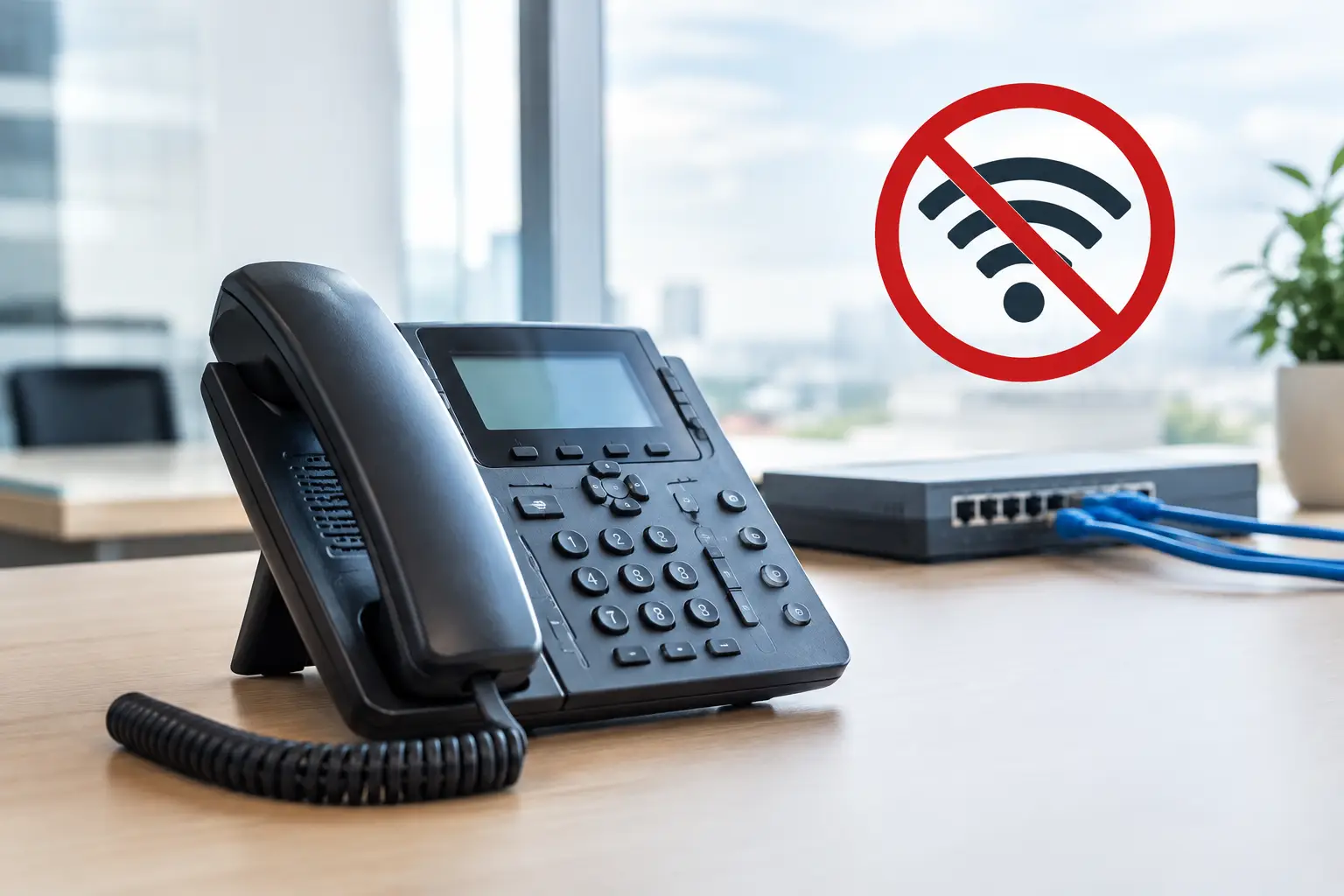
The fiber-optic connection is down, broadband isn't yet available in the building, or a remote location simply needs reliable emergency phone service: A Phone System Without Internet At first glance, this sounds like a simple requirement. In practice, however, it depends on whether there really is no IP connection at all, or whether the system is reachable when an Internet outage ...should be safeguarded. These are two different tasks—and they require different solutions.
What a phone system without internet means today
Traditional landline telephony via analog lines or ISDN could long be used independently of a local Internet connection. In Switzerland and many European countries, however, this infrastructure has largely been phased out. Modern business telephony is generally based on SIP and IP networks. A cloud PBX, a SIP trunk, Microsoft Teams telephony integration, or an IP phone therefore requires a data connection.
This doesn’t mean that a company can’t handle business calls professionally without a landline Internet connection. It simply means that the connection must be planned differently. Mobile networks, a local gateway, a secondary access method, or a targeted emergency routing strategy can ensure business accessibility. The key factor is determining which features are actually needed: individual calls at the location, a central main number, an IVR message, multiple workstations, or integration with CRM and Teams.
An important distinction: A local phone system may be installed on-premises, but it typically still uses a SIP trunk for external calls. So “local” does not automatically mean independent of the internet. Even a cloud-based phone system cannot operate without an internet connection, but it can intelligently reroute calls to cell phones or alternative locations in the event of an outage.
Phone System Without Internet: What Are the Options?
Mobile Gateway for Individual Locations
If fixed-line broadband is not available at a location, a mobile gateway can be a practical solution. It connects one or more SIM cards to an existing phone system or provides connections for analog devices. Calls are routed through the cellular network without requiring a local cable or fiber-optic connection.
This option is suitable for construction site containers, temporary retail spaces, remote warehouses, or utility rooms. For a small number of calls, it can be cost-effective and quick to implement. However, for higher call volumes, companies should pay attention to cellular coverage, voice quality, SIM plans, concurrent calls, and professional management of phone numbers. A cellular gateway does not automatically replace the functions of a full-featured PBX.
Mobile Networks as Internet Access for SIP Telephony
Often, it’s not the Internet itself that’s the problem, but rather the lack of a wired connection. In that case, 4G or 5G can serve as the primary Internet connection. Using a business mobile router and a properly configured firewall, you can set up a SIP phone system, a hosted PBX, or Microsoft Teams operate even at locations without a landline.
Technically, this remains an IP-based solution. For many companies, however, this is a more practical approach than a standalone solution based solely on cellular networks. In addition to voice calls, it can also provide connectivity for workstations, cash registers, cameras, or VPN connections. This requires a sufficiently stable cellular signal, adequate data allowances, and prioritization of voice traffic. For critical voice calls, an external antenna location or a second cellular connection should be considered.
Local PBX with cellular or landline backup
A local telephone system is a good choice if internal functions need to continue operating even during an outage. These include direct extensions, internal calls, intercoms, and the connection of existing devices. For external calls, the PBX is supplemented with a cellular gateway or an alternative line.
This architecture can be a good choice if infrastructure is already in place or if specific devices such as analog fax machines, alarm systems, DECT systems, or door access systems need to be integrated. However, the costs associated with operation, updates, security measures, and replacement hardware are higher than with a hosted solution. For small and medium-sized businesses, a local system is particularly worthwhile when the technical requirements clearly call for it.
Emergency routing instead of completely internet-free telephony
For most companies, having a permanent phone system without internet access is not the actual goal. What’s more important is that the main number must remain reachable even in the event of a disruption. Professional emergency routing automatically forwards incoming calls to cell phones, a secondary location, or an external service team in the event of a site outage.
The familiar business number remains the same. Customers hear an announcement if necessary, but are still connected to the correct department. This solution is particularly useful for medical practices, trade businesses, sales organizations, service teams, and companies with on-call services. It ensures reachability without requiring a second, full-scale phone system to be operated at the main location.
What Doesn't Work Without a Data Connection
Anyone planning a modern telephony system should be open-minded about its limitations. Cloud PBX features such as centralized user management, CTI, call logs, call queues, softphones, presence indicators, and native telephony in Microsoft Teams require an IP connection. Even a SIP trunk cannot be operated over a completely separate, data-free infrastructure.
This also applies to administration. Creating new employees, changing call groups, or customizing an IVR is much easier with a centralized platform, as long as the locations are connected. With a standalone solution using a mobile gateway, these options remain limited or must be managed locally.
Fax should not be used as a justification for keeping outdated connections either. Where legally and organizationally feasible, email, a secure document portal, or Fax-over-IP are usually easier to manage. If existing analog devices must continue to operate, their compatibility must be factored into the technical planning. A temporary solution makes sense, but it should not become a permanent obstacle for the entire communications environment.
The appropriate architecture depends on the failure scenario
The best decision starts with a specific question: What needs to keep working in the event of an outage? Do all employees need to continue making calls, or is it sufficient for the main number to remain reachable? Should the location operate permanently without a landline, or does it just need to be protected against line outages? And how long can an outage last before it becomes business-critical?
For a small office with two employees, call forwarding to business cell phones may be sufficient. An organization with a reception desk, service hotline, and multiple extensions usually requires a more comprehensive solution consisting of a redundant Internet connection, a cloud PBX, a SIP trunk, and clear routing rules. For locations with sensitive applications, additional measures such as a firewall, VPN, separate networks, and a session border controller may also be considered.
Redundancy does not necessarily mean double the cost for everything. Often, a primary business Internet connection with a cellular fallback is sufficient. For more demanding requirements, a second connection via a different carrier or a separate technology may be advisable. It’s important to test the switchover. A backup that exists only on paper won’t help in the event of a failure.
How Companies Ensure They Are Reachable
A robust concept should address at least these four points:
- Which phone numbers are forwarded in the event of an outage, and where.
- Who is authorized to manage routing, announcements, and permissions.
- Which devices must continue to operate in the event of a power or Internet outage.
- How often failover, cellular backup, and availability are tested.
It’s also important to establish clear priorities. The main company number, emergency contacts, and service lines take precedence over less critical direct extensions. If employees are redirected to their cell phones, they need clear guidelines on answering calls, data protection, and returning calls. Especially when it comes to customer and patient data, the emergency solution must not lead to uncontrolled processes.
Winet plans for such scenarios not only through the telephone line, but also through the integration of phone numbers, PBX, the Internet, mobile backup, a firewall, and ongoing operations. This results in a solution that aligns with a site’s actual availability and scales with the company as needed.
First define the goal, then choose the technique
Today, a phone system without internet access is primarily a matter of reliability and site connectivity. Mobile networks can serve as a standalone calling solution, provide access to modern VoIP telephony, or secure a critical connection. The right choice isn’t determined by the product name, but by the question of which calls your company needs to reliably receive and under what conditions.
By defining these requirements before the migration, you can retain existing phone numbers, make costs predictable, and ensure that you remain reachable even if the standard connection is temporarily unavailable.