

Integrating Cell Phones into a Company's PBX System
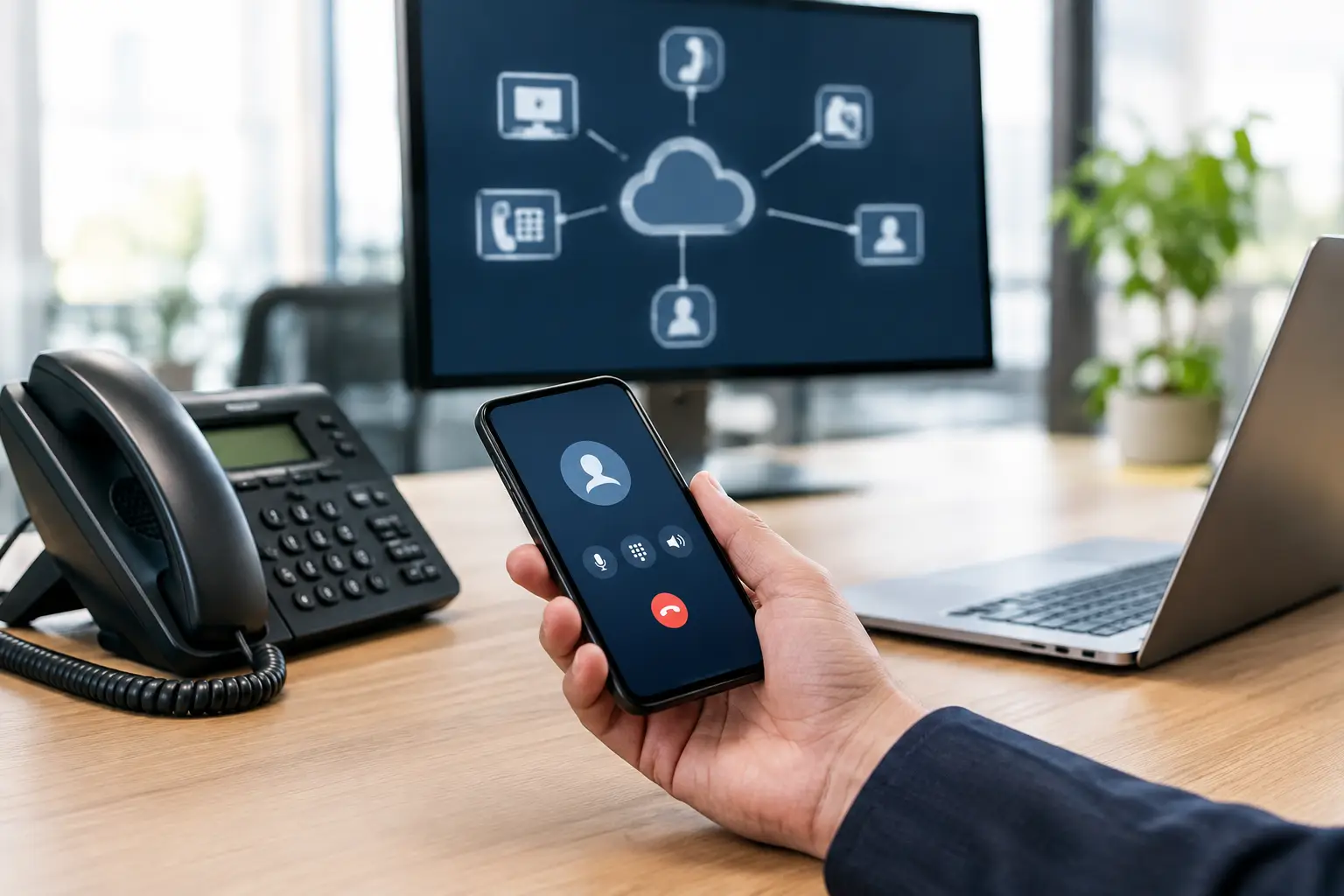
A call to the main business number should not be prevented simply because an employee is out of the office, working from home, or visiting a client. Integrating cell phones into a PBX system turns individual devices into a manageable part of the company’s communication infrastructure. Employees remain reachable at their usual numbers, calls follow the phone system’s defined rules, and the administration team maintains a clear overview.
For small and medium-sized businesses and organizations with multiple locations, this is not simply a matter of call forwarding. What matters most is that mobility, accessibility, data protection, and cost control all work together seamlessly. A well-configured PBX integrates cell phones in such a way that customers experience professional communication and the IT department doesn’t have to intervene manually for every personnel or organizational change.
The Benefits of Integrating Cell Phones into the PBX
An employee’s business cell phone number is often known only to those in their immediate circle. The company’s main number, on the other hand, is listed on the website, in email signatures, directories, and marketing campaigns. If a cell phone is integrated into the PBX as an extension, an incoming call to that number can be routed directly to the mobile device—based on a schedule, availability, or escalation rule.
The greatest benefit lies in the consistent call routing logic. A call can first ring on the IP phone, then on the cell phone, and finally be routed to a team group or voicemail. In the event of vacation, illness, or a change in role, the administrator can adjust the rule in the phone system instead of having to search for call forwarding settings on multiple devices.
Outgoing calls also take on a more professional tone. Depending on the selected integration method, employees make calls using the central office number or their extension as the caller ID. This prevents customers from seeing their private cell phone number. This protects privacy, reinforces a consistent corporate image, and prevents business contacts from being lost uncontrollably when staff changes occur.
Integrating Cell Phones into a PBX: Three Practical Models
The right solution depends on the day-to-day work, the existing mobile network environment, and the security requirements. Not every team needs the same level of technical depth.
1. Parallel Call or Controlled Call Forwarding
The simplest option is a parallel call. A call to the extension rings simultaneously on the desk phone and the designated cell phone. Alternatively, the PBX forwards the call to the cell phone only after a defined period of time. This is suitable for small teams, field staff, or on-call personnel who, above all, need to be reachable.
The advantage: Implementation is quick, and employees usually don’t need an additional app. The downside: The mobile number is often transmitted during outgoing calls. Additionally, call forwarding charges may apply, depending on the PBX, SIP trunk, and mobile service plan. For sensitive customer data or strictly regulated processes, this model alone is often insufficient.
2. Softphone app as a mobile extension
With a softphone solution, the mobile phone connects to the cloud PBX or on-premises phone system via an app. The smartphone thus effectively becomes an extension: It can receive calls, dial internal numbers, access presence information, and, in many scenarios, make outbound calls using the business number.
This model offers significantly more control. Call logs, voicemail, contacts, and call groups are not scattered across different systems. This can be particularly useful for employees working from home or on international assignments, because calls are routed through the company’s infrastructure rather than necessarily via a local cellular connection.
This requires a well-organized setup. The app requires up-to-date operating systems, a stable data connection, and defined security guidelines. Mobile device management, encrypted access, and clear rules for personal devices are not optional extras in BYOD concepts—they are fundamental.
3. Mobile Integration with a Business SIM Card
With deeper mobile integration, the mobile number is directly integrated into the communication solution. The mobile phone then functions as a business device even when the app is not actively open. Incoming and outgoing calls can be managed more centrally, while the user experience for employees remains simple.
This model is particularly appealing to teams that are on the go every day and need reliable mobile phone service: service organizations, construction management teams, sales, logistics, or executives who travel frequently. It may be the best choice if voice quality, availability, and the display of the business number—even when not connected to Wi-Fi—are top priorities.
The downside is greater dependence on mobile network partners, rate plans, and contract terms. Before making a decision, you should therefore clarify which numbers will be used, whether personal and business use must be kept separate, and how international calls will be billed.
The call logic determines the value
Technology alone does not improve accessibility. A PBX only realizes its full value through rules that are tailored to the company. A sales team requires different routing settings than an on-call service or a law firm handling confidential calls.
For incoming calls, companies should specify when cell phones are allowed to ring and when they are not. Working hours, holidays, individual availability, and cover arrangements can be centrally configured in modern phone systems. Outside of business hours, for example, the PBX can route calls to an automated message, a voicemail, or an external on-call service, rather than unexpectedly reaching employees on their personal lines.
Caller ID is just as important for outgoing calls. Should the main office number, a personal extension, or—for callbacks—a team number appear? A consistent policy prevents confusion for customers. It also makes it easier for staff to cover for each other, because callbacks won’t get stuck on an unknown personal number.
Plan for Security and Data Protection from the Very Beginning
Anyone who wants to connect mobile devices to the phone system is extending the communication environment beyond the office. This is intentional, but it requires clear security measures. Especially when using softphones on personal devices, access should not be secured with just a simple password. Multi-factor authentication, encrypted signaling and voice transmission, and centralized user management are the minimum requirements.
Lost smartphones must also be taken into account. The IT department should be able to lock extensions, app access, and sessions at short notice without having to rebuild the entire user environment. For managed company devices, MDM policies help with features such as screen locks, operating system updates, and the separation of business data.
Another issue concerns emergency calls. With mobile extensions, location information is not automatically linked to a fixed workstation. Companies must verify how emergency call procedures work with the PBX in use, the mobile network connection, and local regulations. Especially when there are multiple locations or employees working from home, this issue must not come to light only after the system has been put into operation.
Effectively Integrating PBX, SIP Trunk, and Microsoft Teams
Many companies use desk phones, cell phones, and Microsoft Teams. This doesn't have to result in three separate communication environments. A suitable PBX can integrate Teams as a telephony channel while continuing to use traditional extensions, IVR menus, call queues, and external SIP trunks.
For users, this means they can be reached via the Teams client, an IP phone, or a mobile phone, depending on the situation, without losing the numbering logic. For IT, management remains within a consistent architecture. This is particularly helpful during migrations, because not all workstations need to be migrated at the same time.
It is important to have clear technical accountability. The PBX, internet access, firewall, SBC, and mobile devices all collectively affect call quality. If a call drops while using an app, the cause is not necessarily the phone system. Wi-Fi coverage, Quality of Service, firewall rules, and Internet access capacity should therefore be checked before the rollout.
How to Ensure a Smooth Rollout Without Unnecessary Interruptions
Don't start by asking which app to install; start with the workflows. Which teams need to be reachable at all times? Who needs a visible extension number? Which calls can be routed to personal devices, and which cannot? This results in a role model that can later be easily translated into call groups, scheduling rules, and permissions.
This is followed by an inventory: existing phone numbers, SIP trunks, cell phone contracts, IP phones, Teams licenses, and network and security components. Number porting and existing IVR menus are also included. The sooner dependencies are identified, the better we can avoid outages and redundancies.
A pilot program with a clearly defined user group is usually more practical than a switch on a specific date. Be sure to specifically test voice quality on cellular and Wi-Fi networks, caller ID, voicemail, call forwarding rules, international scenarios, and support in the event of a service outage. Only once these aspects are functioning reliably in everyday use should the solution be rolled out more widely.
Winet designs these environments—from the Ayrix PBX through SIP and Teams integration to the Internet, security components, and day-to-day operations—as a cohesive solution. This reduces the number of interfaces and provides a single point of contact when requirements, locations, or teams change.
The right mobile integration isn’t the most technically sophisticated option, but rather the one that allows employees to work reliably while keeping administration manageable. If phone numbers, security policies, and availability are clearly defined before the rollout, the cell phone will transition from a personal fallback channel to a professional component of your corporate communications.